Free Browser Video Trimmer
Trim quiet gaps, dead air, and low-volume moments locally in your browser. No signup. No credits. No upload.
Desktop Chrome is recommended for the best experience.
Free to use - no signup, no credits, no upload.
Works best on desktop Chrome.
Free local trimming supports files under 200 MB.
Large videos can take time - sometimes several minutes or more.
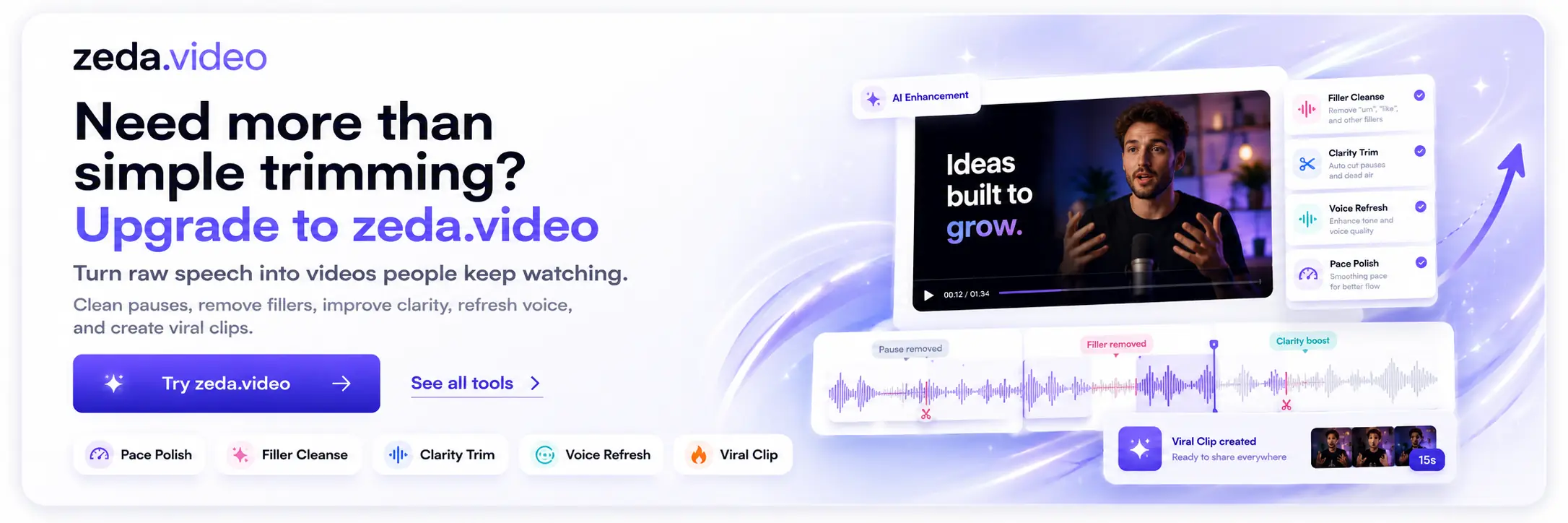
Need faster AI video processing? Try zeda.video ->
Status: Ready
Output
No output yet.
Frequently asked questions
Do I need to sign in to use TalkTrim?
No. You can trim videos without signup, login, or credits.
Is TalkTrim free?
Yes. TalkTrim is free for browser-local trimming.
Does my video upload to a server?
No. Your video stays on your device and processing runs in your browser.
What video size is supported?
The free local trimmer supports files under 200 MB.
Which browser works best?
Desktop Chrome is recommended for best compatibility and speed.
Can TalkTrim remove dead air automatically?
Yes. TalkTrim detects quiet gaps, low-volume pauses, and dead air to tighten pacing.
Can I use it for podcast or talking-head videos?
Yes. It is built for spoken content like podcasts, interviews, and talking-head videos.